
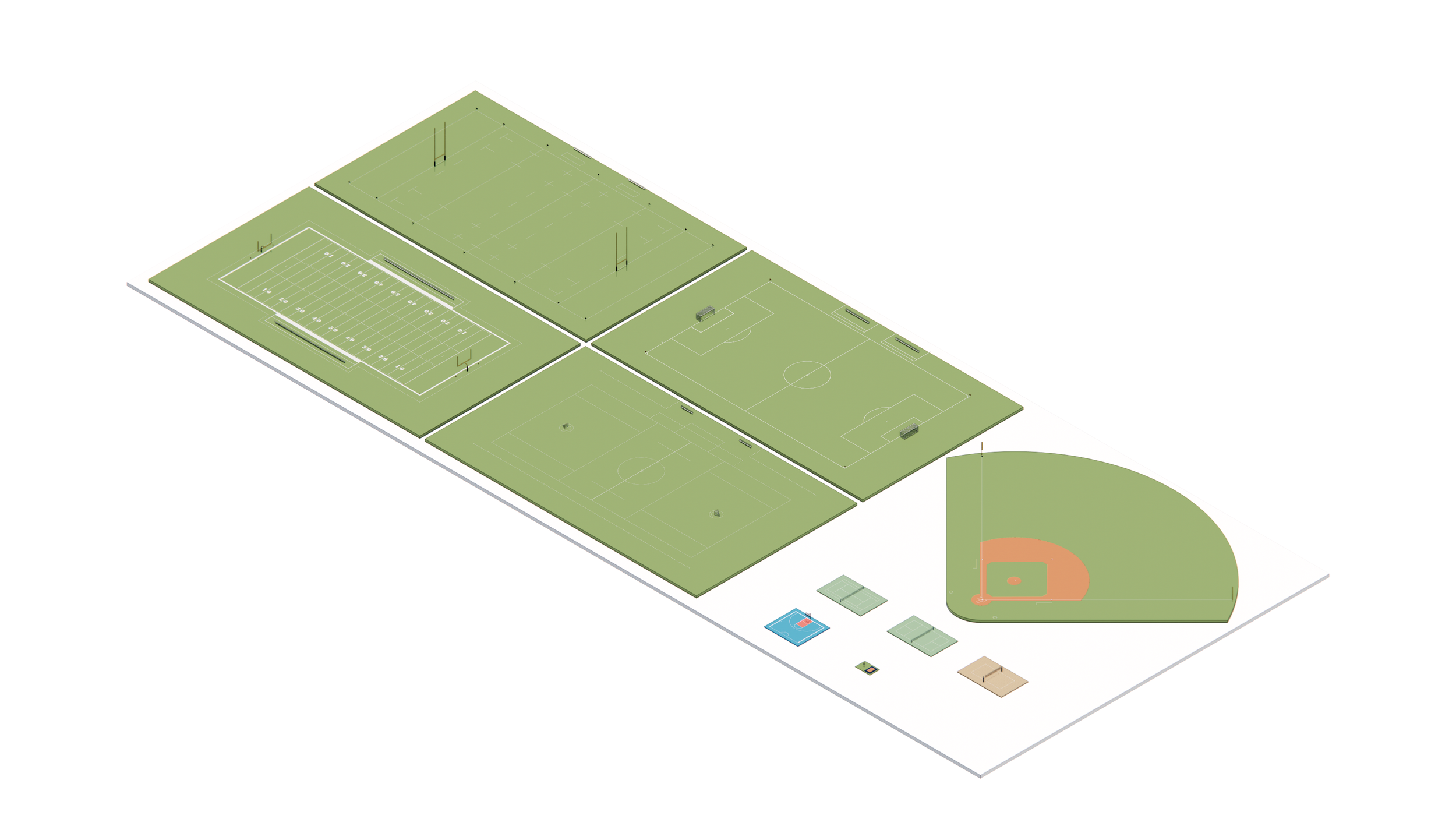
Q1 2026 - Recap & What’s Ahead
Explore everything released during Q1 2026 at BIM Kits, including the new Indoor Sports Kit and Outdoor Sports Kit for Revit, updates to the Electrical Switch Kit, and a preview of the upcoming Living Room Furniture Kit for Enscape and glTF workflows.
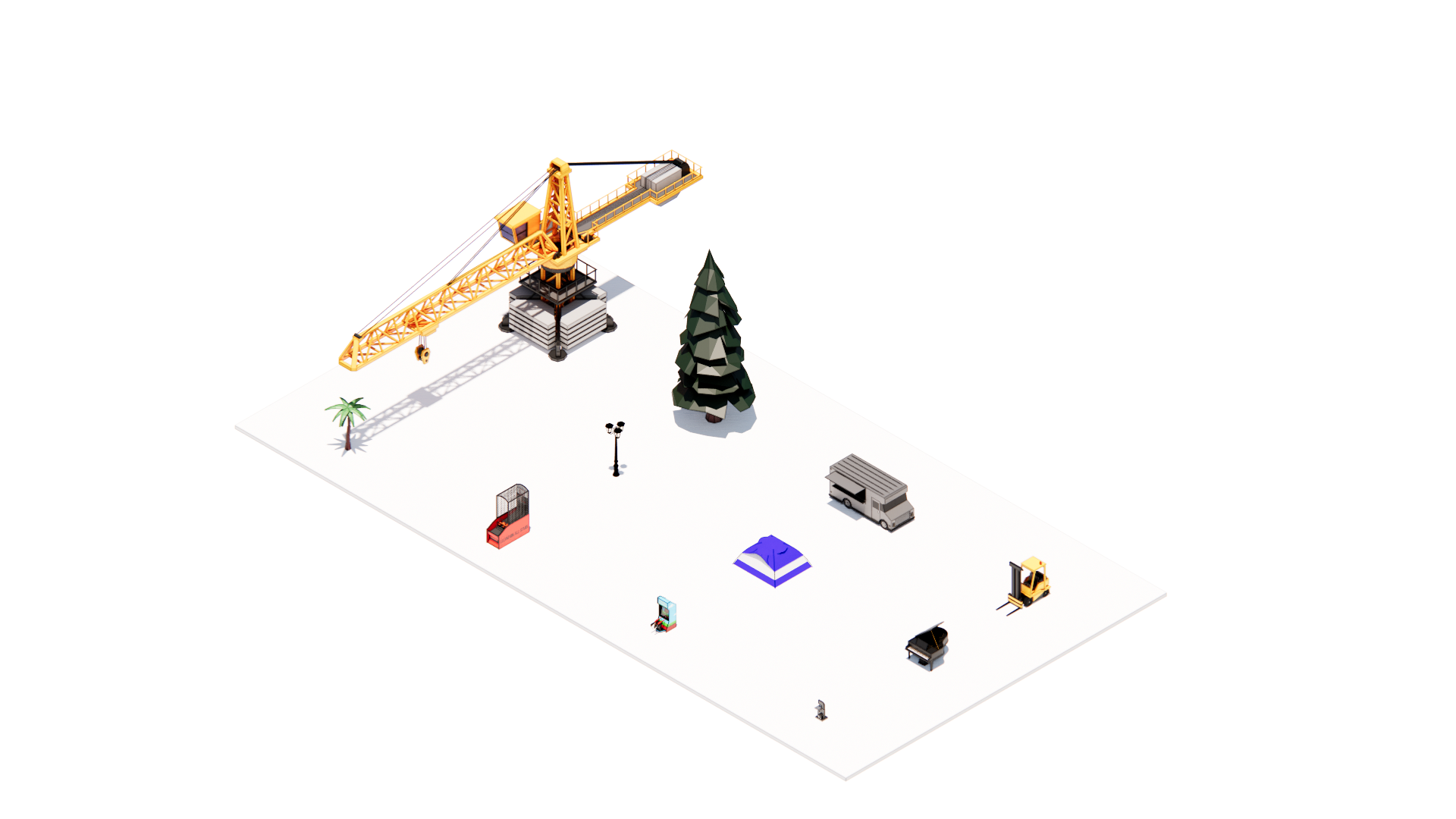
Sharing Enscape Assets
Sharing Enscape custom assets is easier than you think. This quick guide walks you through finding your asset files, pulling together the folder and .ASSETPKG for each asset, organizing them into a named folder, and compressing everything into a .ZIP that\u2019s ready to send to anyone on your team.
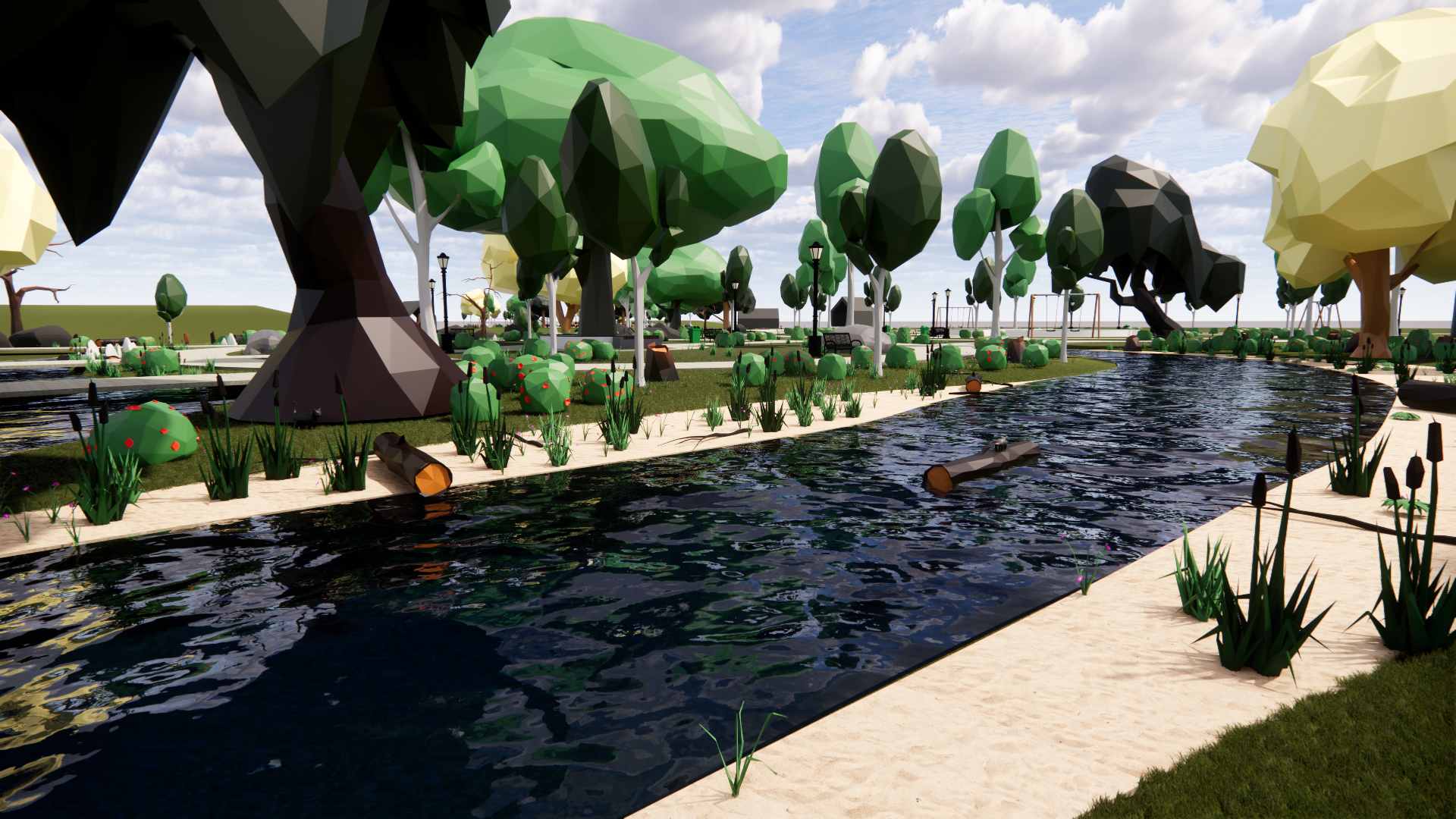
Creating a Custom Enscape Asset
Want to bring your own 3D models into Enscape? This step-by-step guide walks you through importing a glTF or OBJ file, setting up placeholder geometry, customizing materials, and exporting your new custom asset to the Enscape Asset Library. Get your BIM Kits glTF content into Enscape in just a few clicks.
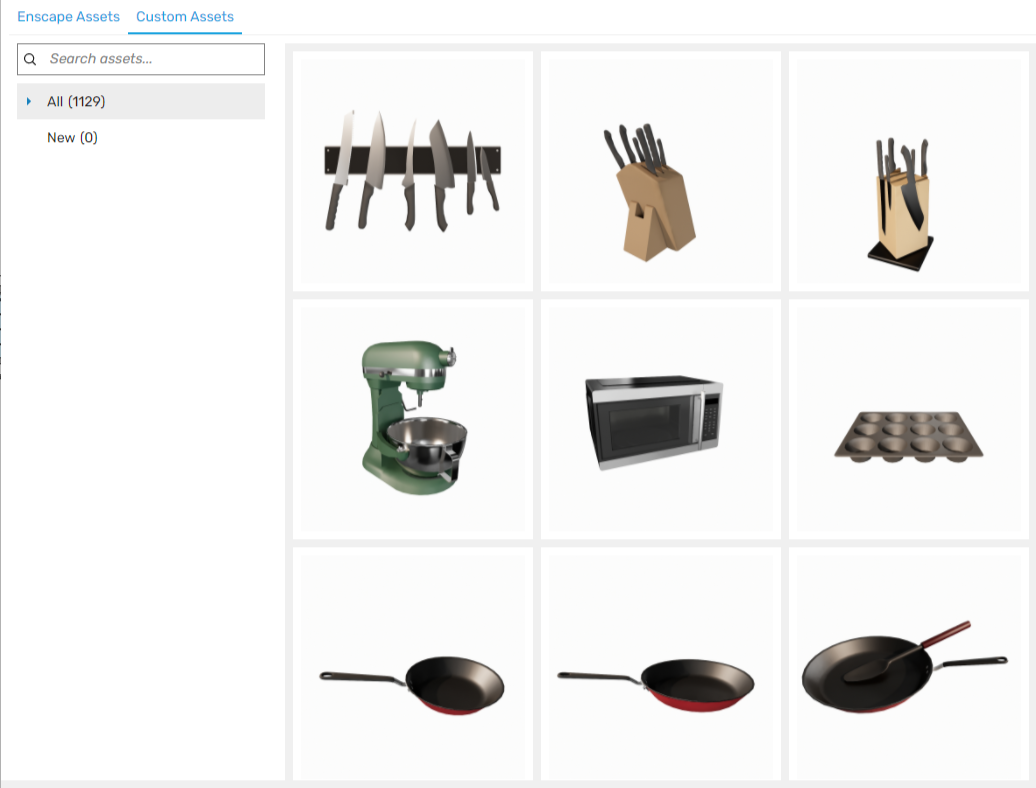
How to Use Our Enscape Kits
Just downloaded an Enscape Kit from BIM Kits and not sure where to start? This quick guide shows you exactly where your .ASSETPKG files need to go, how to locate your Custom Asset folder in Enscape, and how to get your new assets showing up in the library and ready to place into your next project.

Q4 2025 - Recap & What’s Ahead
It's been a busy quarter at BIM Kits! Catch up on everything we shipped in Q4 2025 across our Revit and Enscape kit libraries, get a sneak peek at the Athletic Field Kit dropping in Q1 2026, and see what else is in the pipeline including a Residential Railing Kit, Interior Lighting Kit, Mill Work Kit, and a new Enscape Vending Machine Kit.

What You Get With A Revit Kit
If you’ve been curious about what actually comes inside a Revit Kit, this post is for you. We’ll walk through everything from the moment you download the file to browsing content and pulling individual families into your project.
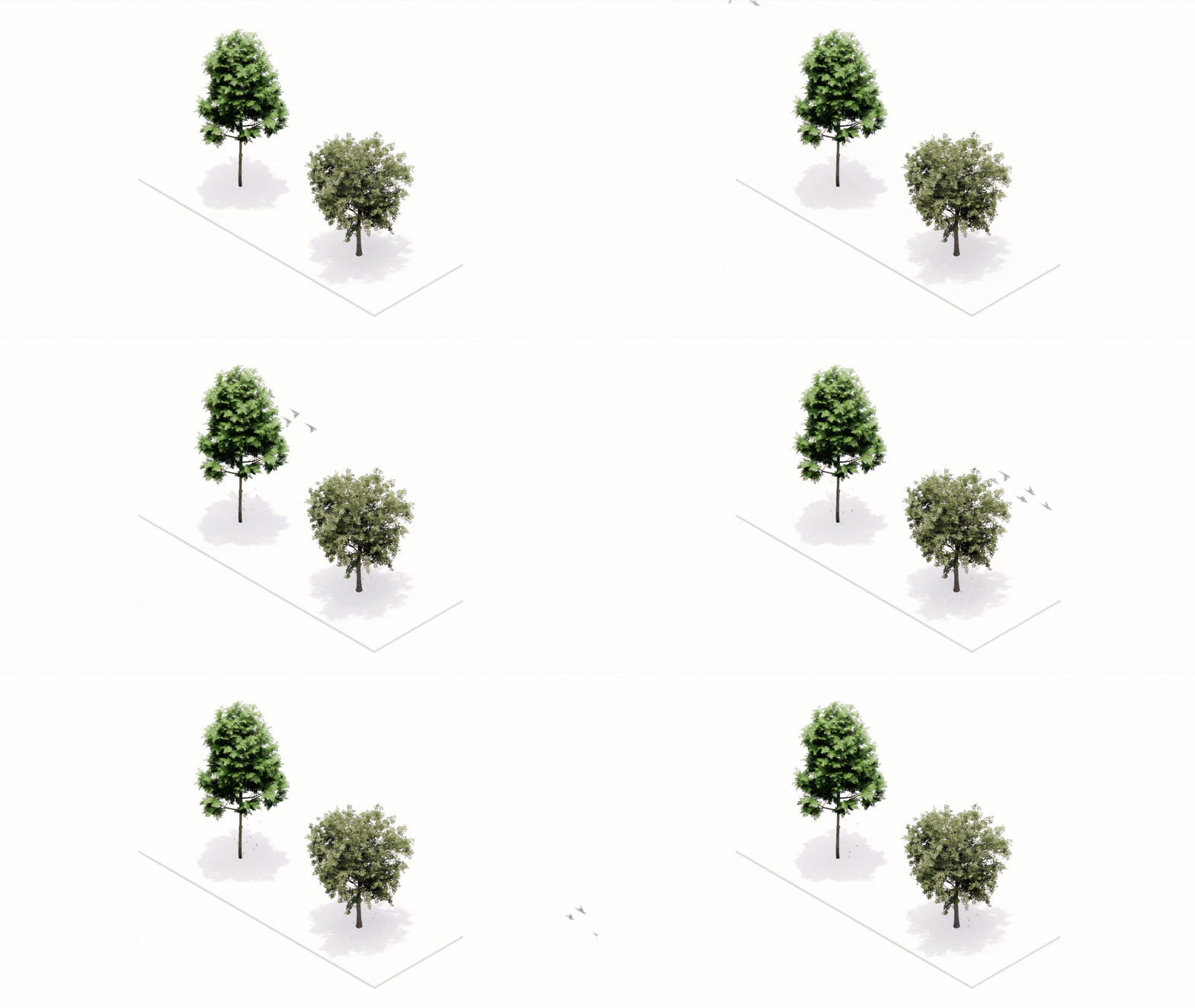
Using Video Masks to Create Animated Assets in Enscape
This guide is written for visualization artists, game developers, and pipeline engineers who want full technical control over their animated assets in Enscape.
Q3 2025 - Recap & What’s Ahead
Welcome to Q3! We hope all is going well. Thank you for being part of the BIMKits community. Here’s a quick update on our recent work and what’s coming up. Feel free to reach out to BIMKITS@READTHOMAS.COM with any questions or suggestions.

Unlocking Enscape as a Video Game Developer
When Architecture meets Video Game Development Imagination, incredible things happen. In this behind-the-scenes look, Adam and Gaines explore how an experimental blend of Revit, Blender, and Enscape became a Halloween Scene and became more than a visualization project.

Q2 2025 - Recap & What’s Ahead
Welcome to Q2! We hope all is going well. Thank you for being part of the BIMKits community. Here’s a quick update on our recent work and what’s coming up. Feel free to reach out to BIMKITS@READTHOMAS.COM with any questions or suggestions.

Enhancing Grass Rendering with RGBA
In this blog post we dive into the world of digital design and virtual environments, looking to create realistic and optimized grass, which can significantly enhance the visual appeal of scenes. One powerful technique for achieving lifelike grass is by leveraging RGBA textures. In this post, we'll delve into the process of using the alpha channel of RGBA textures to create a transparent mask for grass, optimizing materials for foliage, and incorporating normal maps for dynamic lighting effects.

Alpha Transparency Breakdown
In this post we begin to look at optimization and explore one of the many methods of optimization for geometry, materials and shaders, all of which boil down to one simple word: Complexity. It is important to view complexity as a balancing act. We can offload some complexity in areas by making other things more complicated - as backwards as that sounds. An example of this that we’ll be using throughout this post is Alpha Masking. This means we aren’t adjusting the RGB values, but the Alpha which is used as a transparency channel. For simplicity's sake we’ll be calling this a cutout mask for this blog post.
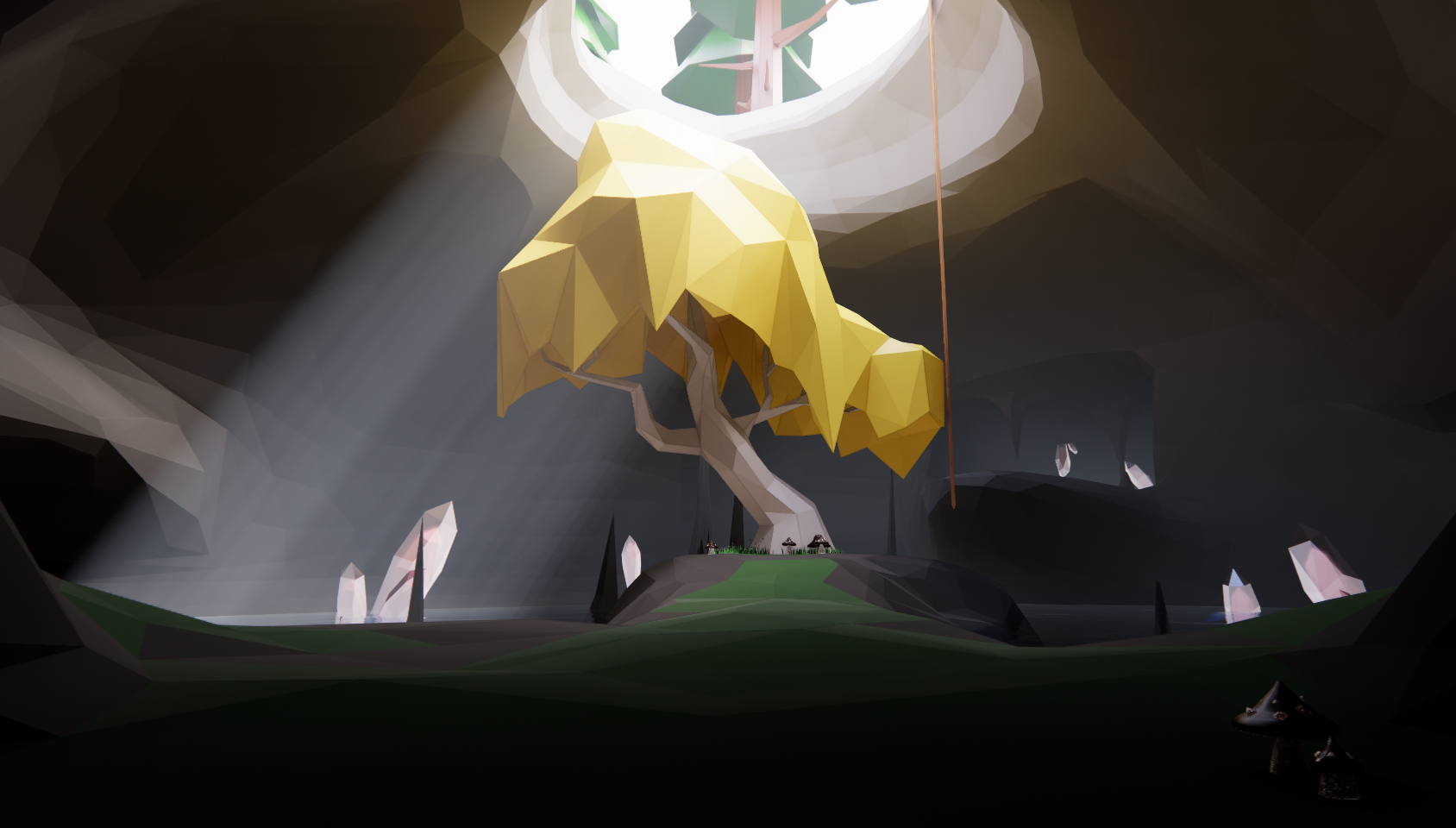
Enhancing Revit by using Enscape’s Custom Assets as a bridge to and from Blender (and many other modeling programs)
In our first of many posts to come we start with Revit's Topography tools simply not cutting it when it came to the depth and breadth of storytelling we were attempting. We needed a way to show worn out and bumpy paths with loads of personality and background while setting a rocky cliff in the background to juxtapose scale and harshness. Enter Enscape and Custom Assets.